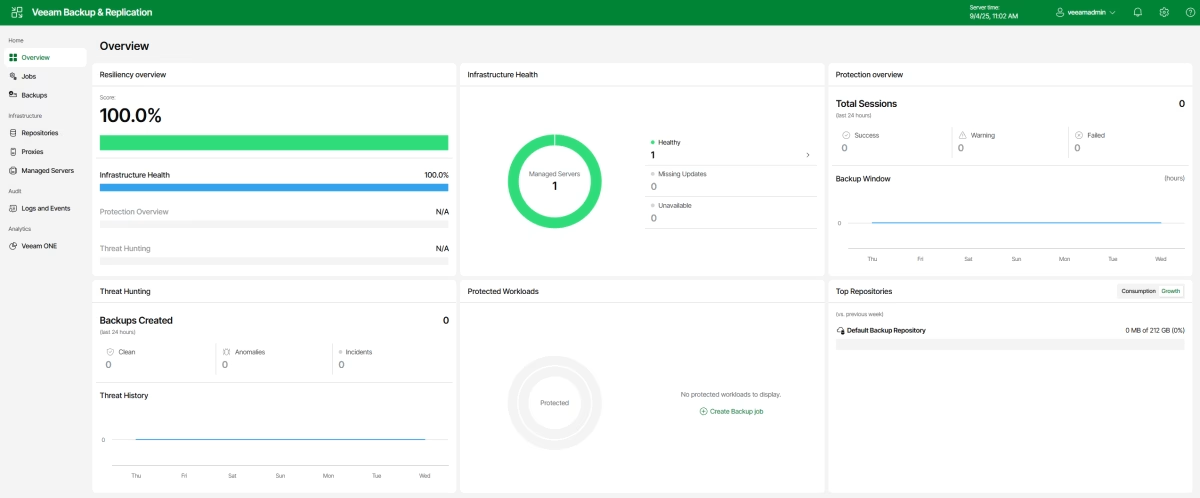
For those who do not know, Veeam Software Appliance (VSA) is a new feature of VBR v13, and this product is a pre-built, pre-hardened appliance based on the Veeam-managed Linux-based “Just Enough OS” (JeOS), including all the software you need to run the Veeam Backup & Replication server.
Using software appliance, you do not need to install Windows Server and backup software; just deploy the appliance, and you are ready to go.
In this walkthrough, we will look at how to install VSA and what the Web UI looks like. We will examine VSA features in greater detail in future articles.
A new version of Veeam Backup & Replication was released with the build number 12.3.2.3617.
First and foremost, this release includes security fixes for VBR server: CVE-2025-23121 – CVSS v3.0 Score: 9.9, “A vulnerability allowing remote code execution (RCE) on the Backup Server by an authenticated domain user.”
This vulnerability affects only domain-joined backup servers, so if your VBR server is part of a domain, please consider updating it as soon as possible.
One excellent article to read is “Workgroup or Domain” in the Veeam Best Practices guide.
CVE-2025-24286 – CVSS v3.1 Score: 7.2, “A vulnerability allowing an authenticated user with the Backup Operator role to modify backup jobs, which could execute arbitrary code.”
And one security fix for Veeam Agent: CVE-2025-24287–CVSS v3.1 Score: 6.1, “A vulnerability allowing local system users to modify directory contents, allowing for arbitrary code execution on the local system with elevated permissions.”
In addition to security fixes, this release resolved several issues and added support for new modern Linux distros, including recently released RHEL 10 and RHEL-like Oracle Linux 10 and Rocky Linux 10, Ubuntu 25.04, and Debian 12.10/11.
Veeam released the new version of Backup and Replication software 12.3.1.1139, which includes new features and addresses major security vulnerabilities.
First is CVE-2025-23120 with the critical severity level (9.9 score) – A vulnerability allowing remote code execution (RCE) by authenticated domain users.
This vulnerability only affects domain-joined backup servers, which is against best practices, by the way.
This issue affects Veeam Backup & Replication 12.3.0.310 and all earlier v12 builds. Consider updating ASAP.
Now let’s move to the new features and fixes. I will not show everything, because the list is too big, but I will point out a few I really love.
Platform support:
VMware vSphere 9.0 readiness. The official support will be confirmed with the full testing of the GA build when it becomes available. This means that after vSphere 9.0 is out, it is better to wait for Veeam to officially support this release before upgrading the vSphere environment.
Nutanix AHV – Removed the experimental support designation for malware detection, guest file indexing, and application-aware processing, except database log file shipping, which will still be considered experimental.
Proxmox VE – Updated ProxmoxVE plug-in enables the usage of non-root users to register Proxmox, support for Open vSwitch (OVS) networking, Object Storage API (SOSAPI), Nested Pools for backup jobs scope, and brings further backup performance improvements.
Enhancements:
One I really love for vSphere is – Instant VM Recovery engine improvements deliver a 5x increased number of simultaneous instant VM recoveries: up to 1000 VMs per backup server and up to 200 VMs per vPowerNFS server.
TLS connection support for the PostgreSQLconfiguration database has been added for improved security when hosting the database on an external server.
New ISO-based update distribution reduces downtime by accelerating update installation and eliminates the additional disk space requirement on the backup server, which was previously needed for unpacking the update before its installation.
New REST API capabilities include changing existing password records, rescanning all backup repository types, downloading metadata for Unstructured Data backups, and performing backup deletion.
New PowerShell capabilities include connection to Veeam Vaults, querying, and restoring protected Microsoft Entra ID conditional access policies.
There are more than 40 additional features, enhancements, and resolved issues, make sure you read the corresponding KB.
In addition, consider updating ASAP if CVE-2025-23120 addresses your installation.
This topic is related to the previous post when we were talking about connecting to the existing Nutanix AHV appliance, but what should we do if we completely lose it or we need to restore the previous configuration? – The answer is simple: we can restore its configuration from the backup.
In this article, we will look at how to restore Nutanix AHV Backup Proxy from the configuration backup.
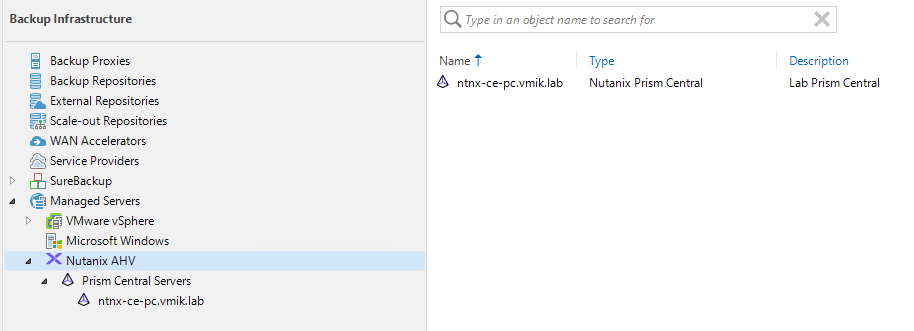
Did you know that you can connect the VBR Server to the existing Nutanix AHV Backup Proxy (Appliance) instead of deploying a new one in case it was removed from the backup infrastructure for some reason, or you just want to connect an appliance previously used by another backup server?
I never thought that I needed this feature until I reinstalled the Prism Central in my lab. After that, I had to remove the old PC instance from the Veeam Inventory, which requires removing the existing proxy from the configuration as well.
Next, I will provide a quick walkthrough on how to connect to the existing proxy.
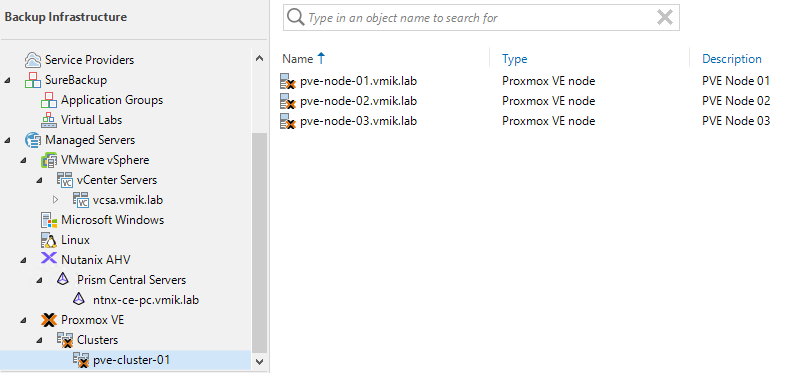
In this article, we will cover how to connect PVE hosts to the Veeam infrastructure, back up PVE VMs, and restore them.
Let me remind you that previously I wrote about how to deploy Proxmox Virtual Environment 8 as a nested virtualization on VMware vSphere for testing. Read it, if you’re interested in it.
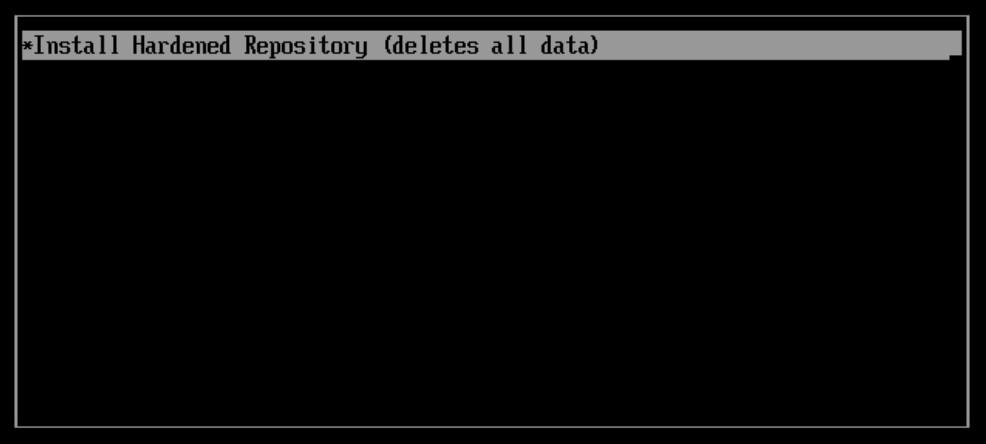
Did you know about Veeam Managed Hardened Repository ISO? This is a Rocky-based Linux distro, which is already pre-hardened to comply with DISA STIG requirements. In addition, Veeam Hardened Repository ISO provides simplified installation and management; there is a text-based user interface that includes all the basic features needed to configure OS and use it as a Veeam Repository.
You can get more information about features, requirements, and limitations on the Veeam R&D Forum.
With the build 0.1.17, this ISO left the technical preview state and got the production-ready status, including Veeam Experimental Support, so you can consider putting it to use.
In this article we will look at how to deploy a server, using Veeam Hardened Repository ISO and how to create a hardened repository using this server.
Categories (in other systems they can be called labels or tags) are used to group entities based on a key-value pairing. For example, we can group a set of VMs and mark them as production environments and apply some policies, while another part of VMs will be marked as tests with a different type of policy applied.
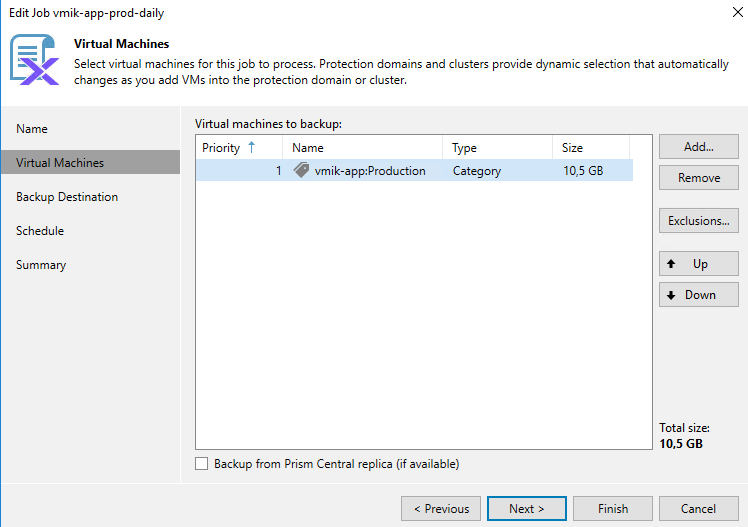
With the release of Veeam Backup 12.2 and the added Prism Central integration, VBR is now aware of Prism Central Categories and can back up all VMs under the specified category in a backup job.
In this article, we will look at how to create a category in Prism Central, how to attach it to the VM, and, sure, how to use VBR with categories.
With the release of 12.2, Veeam introduced a new long-awaited feature: Nutanix Prism Central integration, which simplifies the management of large Nutanix clusters, managed by Prism Central instance.
In this article, we will look at how to connect the VBR Server to the Prism Central Instance and perform backup and recovery tasks.