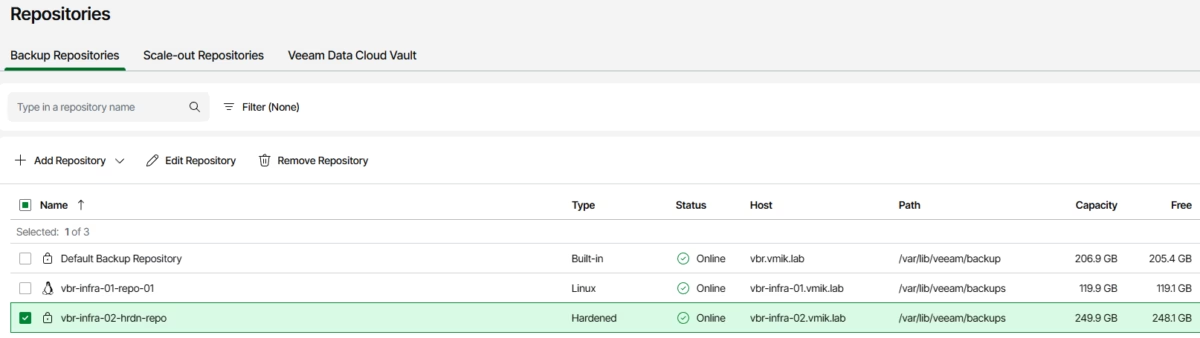
Release 13.1 of Veeam Data Platform brings many new features, greatly increased manageability of the product. In this post, I want to cover Veeam Infrastructure Appliance in a single-disk configuration with iSCSI-attached storage.
If you do not know what the Veeam Infrastructure Appliance is, you can read this post. If you are an active VIA user, you know that before version 13.1, we could only use locally attached disks for a hardened repository, but this changed in the latest release. Now we can connect remote storage, like FC or iSCSI based LUNs, to store backups.
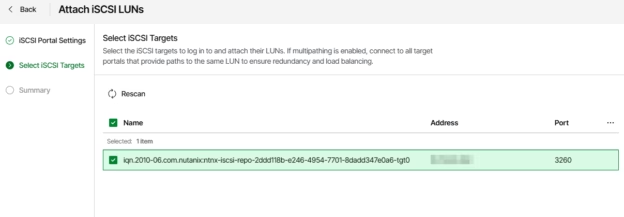
Next, we will go through the configuration steps to connect an iSCSI-based LUN to a VIA hardened repository.
Continue reading