Category Archives: Nutanix

Using Workers in Veeam Backup for Nutanix AHV

Veeam workers are the VMs running in the Nutanix cluster used in large environments to speed up the backup and restore processes.

Veeam Backup and Replication manages those VMs. During backup or restore procedures, VMs are powered on to process the data, and when backup or restore is finished, they are powered off.

We can consider workers as temporary proxies, working only during backup or restore procedures.

In this article, we will look at how to add workers to the backup infrastructure and how it works.

Continue reading

Loading

A few tips for preparing for the Nutanix Certified Expert — Multicloud Infrastructure exam

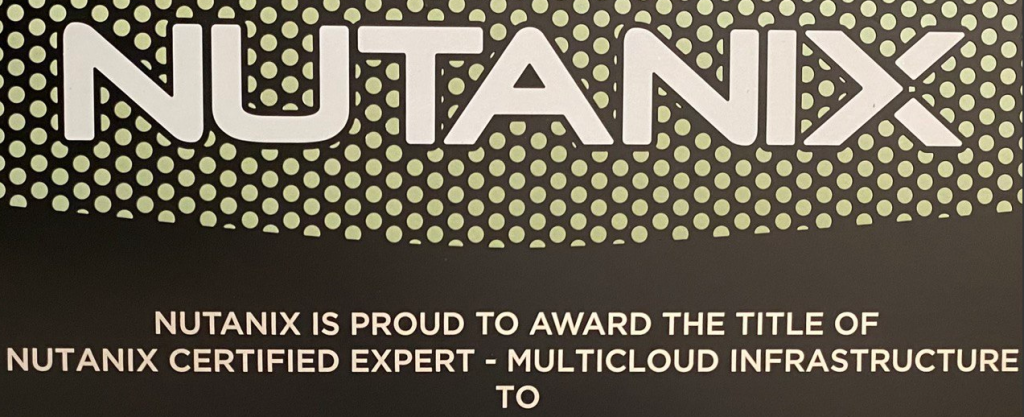
In 2022, I had the opportunity to take the Nutanix Certified Expert — Multicloud Infrastructure (NCX-MCI) certification exam, and in this article, I would like to talk a little about the certification and give some tips for preparation.

Notice: This is a translated version of my original post, written in 2022 after I passed this exam. Since then, a few things have changed, but the overall process is still the same.

Continue reading

Loading

What’s new at Nutanix University?

As I wrote a few months ago, Nutanix released a new training and certification related to Nutanix Cloud Clusters (NC2) – Nutanix Certified Professional – Cloud Integration.

It contains two free online courses:
Nutanix Cloud Clusters on AWS Administration (NC2A-AWS) – Configuring and administrating NC2 in the AWS environment;
Nutanix Cloud Clusters on Azure Administration (NC2A-Azure) – Configuring and administrating NC2 in the Microsoft Azure environment.

And two exams:
Nutanix Certified Professional – Cloud Integration – AWS (NCP-CI-AWS) 6.7;
Nutanix Certified Professional – Cloud Integration – Azure (NCP-CI-Azure) 6.7.

Both exams are exiting the beta stage and will be available from April 30.

And the good news! Until April 19, two 100% discounts are available:

NCP-CI-AWS 6.7 exam discount code: NXFRCIAWS67;
NCP-CI-Azure 6.7 exam discount code: NXFRCIAZ67.

To get Nutanix Certified Professional – Cloud Integration 6 status, and badge, you don’t need to take both exams, but just one of them. So, schedule an exam today using a discount code and take an exam after April 30.

Loading

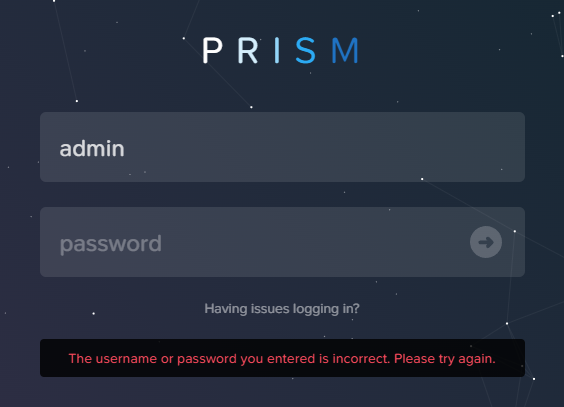
Quick fix: Nutanix. Restore admin password

It’s not a common situation, but it does happen sometimes, especially in test clusters.

To change the admin password we need to connect to the CVM, for example, using the nutanix user, and reset the password:

$ ncli user reset-password user-name=admin password=MyStrong@Passw0rd
Password of user 'admin' reset successfully
Please login again with new credentials.

The password should be strong and between 8 and 255 characters. It should differ by at least 4 characters from previous password and it should not be from last 5 passwords.

Now you can connect to Prism and use the password you just set.

Loading

What’s new at Nutanix University?

Good news for Nutanix Cloud Clusters (NC2) users – two new courses and certification tracks have been announced.

Two free online courses:
Nutanix Cloud Clusters on AWS Administration (NC2A-AWS) – Configuring and administrating NC2 in the AWS environment;
Nutanix Cloud Clusters on Azure Administration (NC2A-Azure) – Configuring and administrating NC2 in the Microsoft Azure environment.

Both courses include a theoretical part and Hands-on Labs as well.

And there are new certifications – Nutanix Certified Professional – Cloud Integration for AWS and Azure.

NCP-CI-AWS 6.7;
NCP-CI-Azure 6.7.

As usual, both exams are in beta state, and you can take them for free. Use discount code NCPCIAWS67BETA for NCP-CI-AWS 6.7 exam and NCPCIAZURE67BETA for NCP-CI-Azure 6.7. This offer is only available to the first 250 participants, and the last day to test is March 10, 2024.

Loading

Using SSH key-based authentication and Lockdown mode in Nutanix clusters

Last year, a new check added to the NCC module may require your attention:

“Password-based remote login is enabled on the cluster. It is recommended to use key-based SSH access instead of password-based SSH access for better security.”

Although this check has a severity level of “Info”, if you dig a little bit deeper, you can find, that password-based authentication will be a deprecated authentication method since 2024. And we can only guess when key-based authentication will be not a recommendation, but a requirement.

In this article, we will look at Cluster Lockdown Mode and how to enable key-based access to the cluster.

Continue reading

Loading

How to backup Nutanix AHV using Veeam Backup and Replication 12.1 and Veeam Plug-In for Nutanix AHV v5

In this article, we will look at backing up Nutanix AHV virtual machines using VBR 12.1 and Nutanix AHV Plug-In v5.

The main difference between the v4 plugin and v5 is the possibility of creating backup jobs related to Nutanix AHV VMs right in the VBR console. You don’t need to connect to the backup appliance deployed in a Nutanix cluster to create a backup job.

Also, please make sure, that you’re using version 5.1 of the plugin or higher because of the critical bug found in v5.0.

Continue reading

Loading

What’s new at Nutanix University?

Nutanix has updated the Nutanix End User Computing Administration (NEUCA) course, which focuses on managing virtual desktop infrastructure, to version 6.5.

Following the course, according to tradition, the Nutanix Certified Professional – End User Computing (NCP-EUC) v6.5 exam has been updated.

The exam is currently available to take free of charge. You must register by December 28, 2023. When registering for the exam, you must use the code NXFREUC65.

Loading